Undergraduate Final Year Project
CREATOR: a 2D-to-3D Mobile AR Scene Creation System
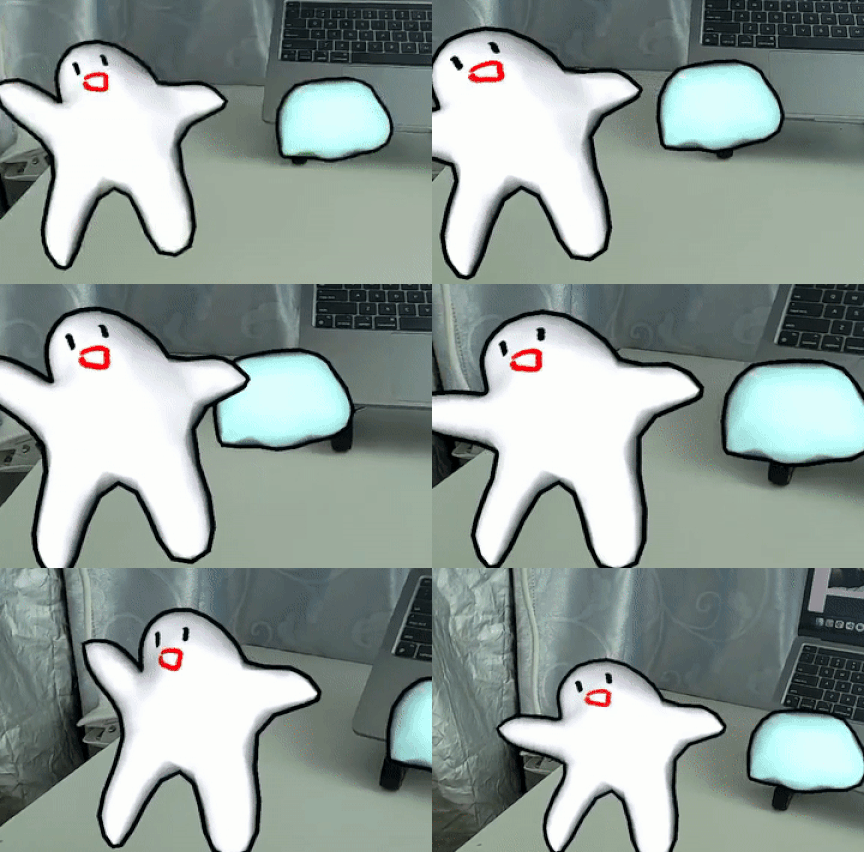
Make sketches come alive with Augmented Reality.
Workflow
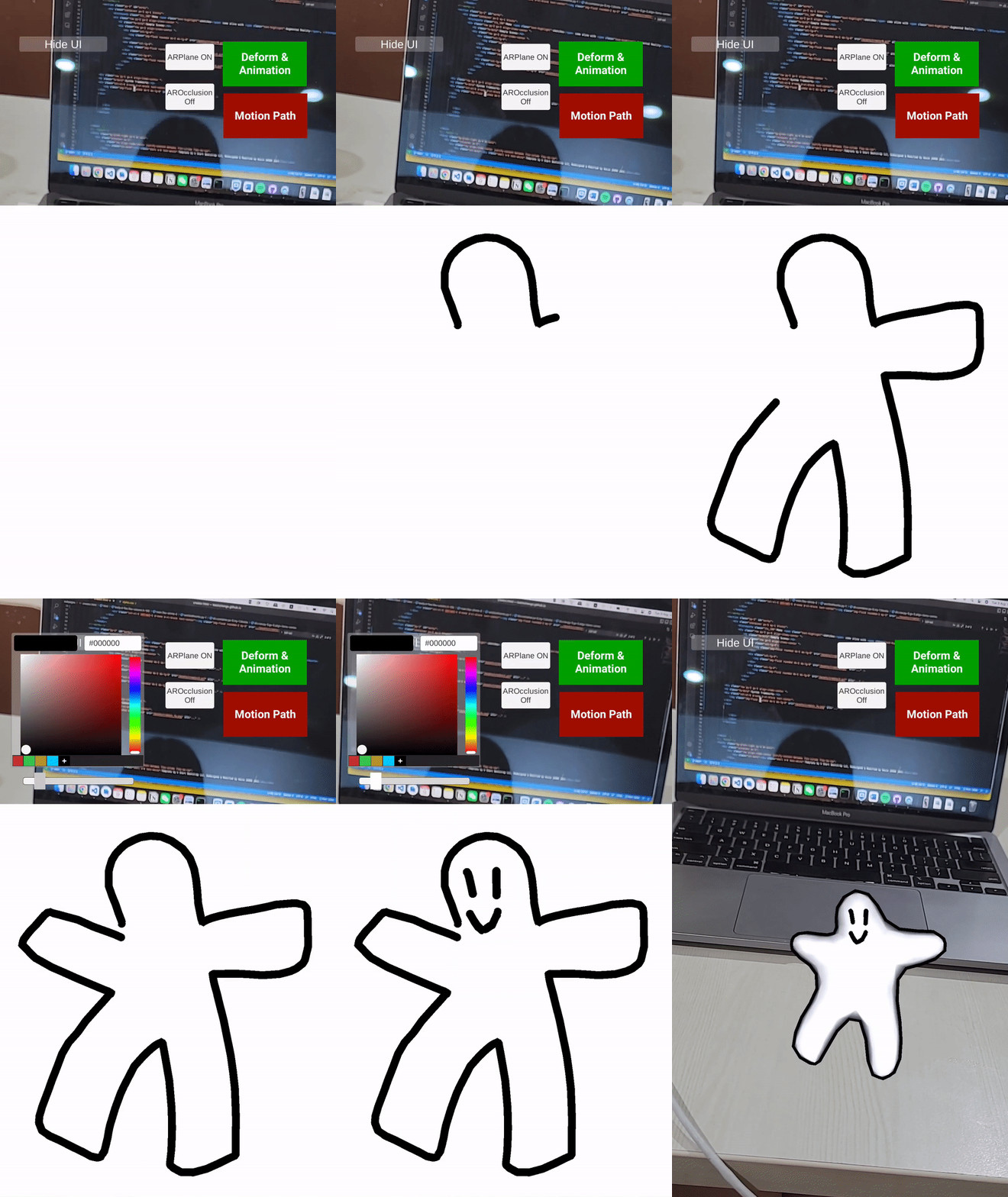
Step 1 — Model Creation
Create a sketch with drawing and coloring tools; the system transforms it into a 3D model.
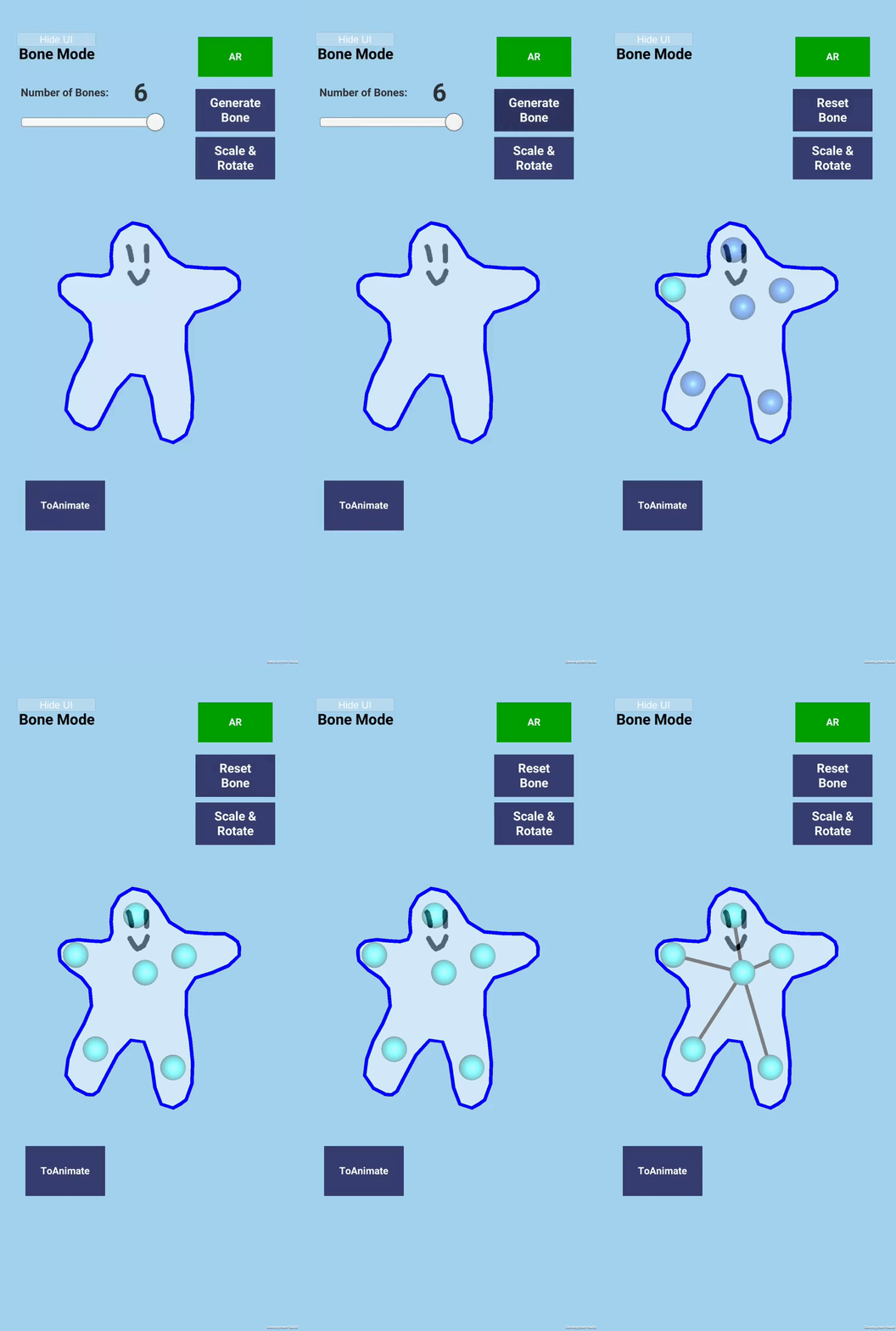
Step 2 — Skeleton Generation
Automatically generate a weighted skeleton, then define and connect joints for rigging.
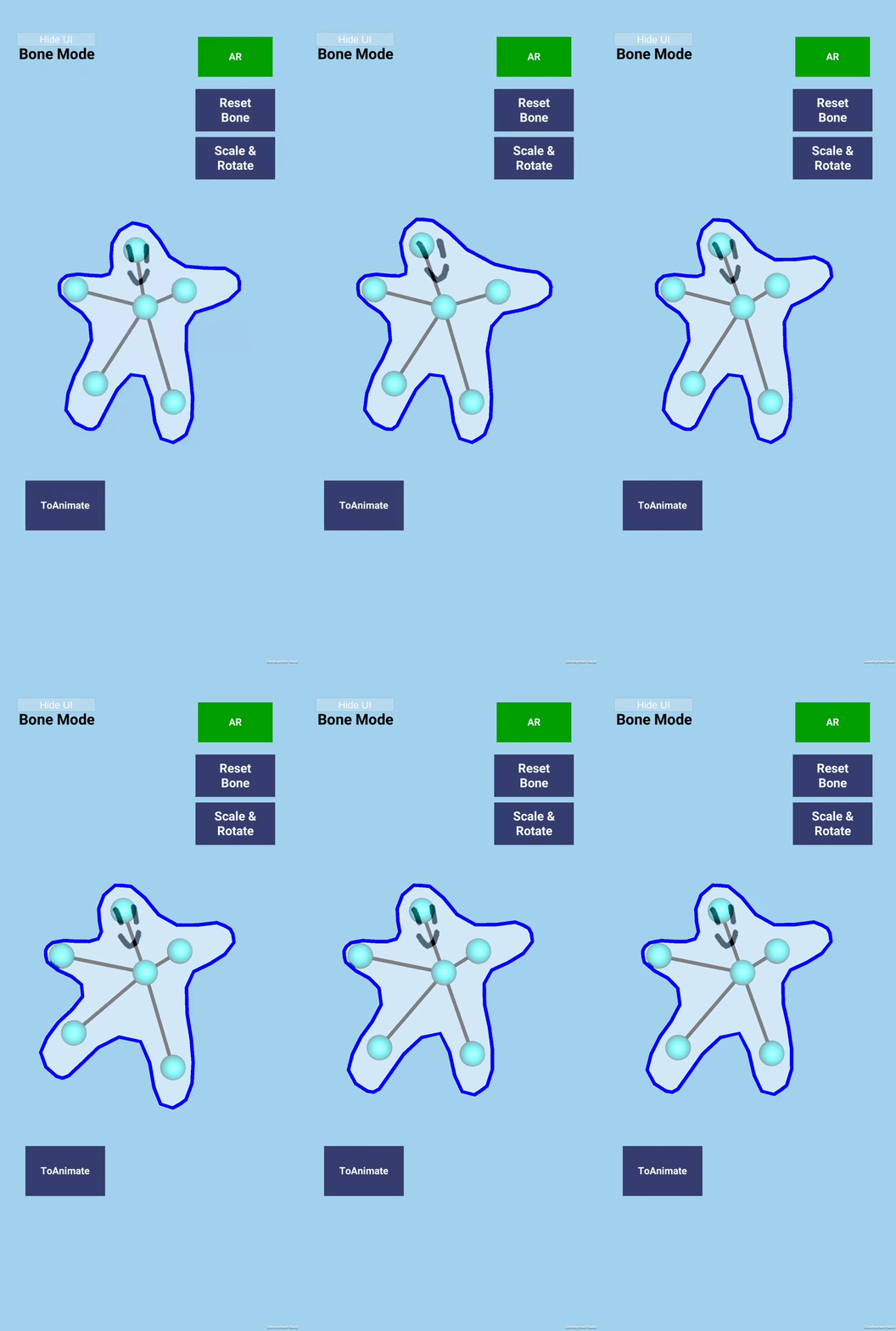
Step 3 — Model Deformation
Linear blend skinning provides smooth real-time deformation.
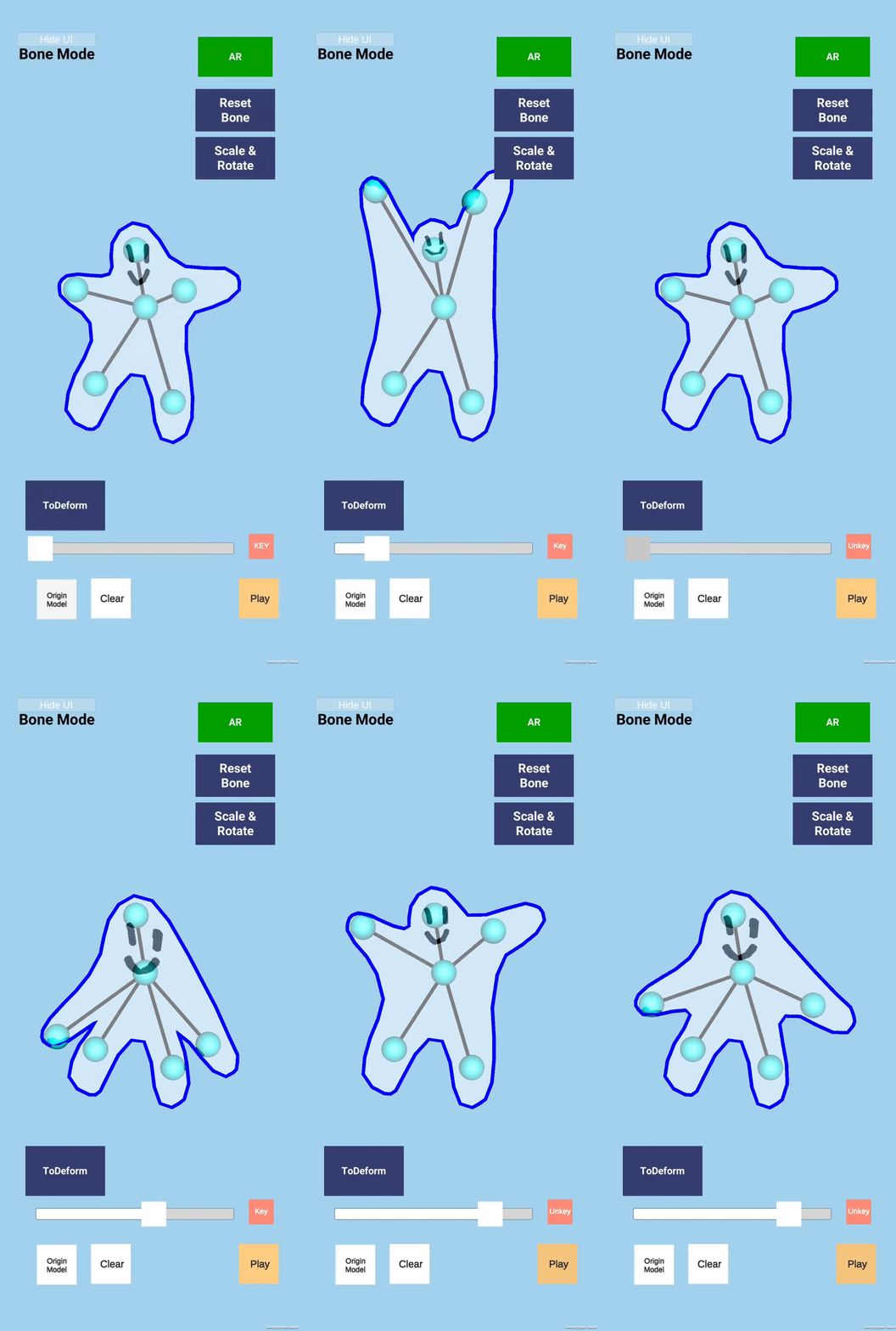
Step 4 — Skeleton Animation
Add deformation keys and interpolate the animation between frames.
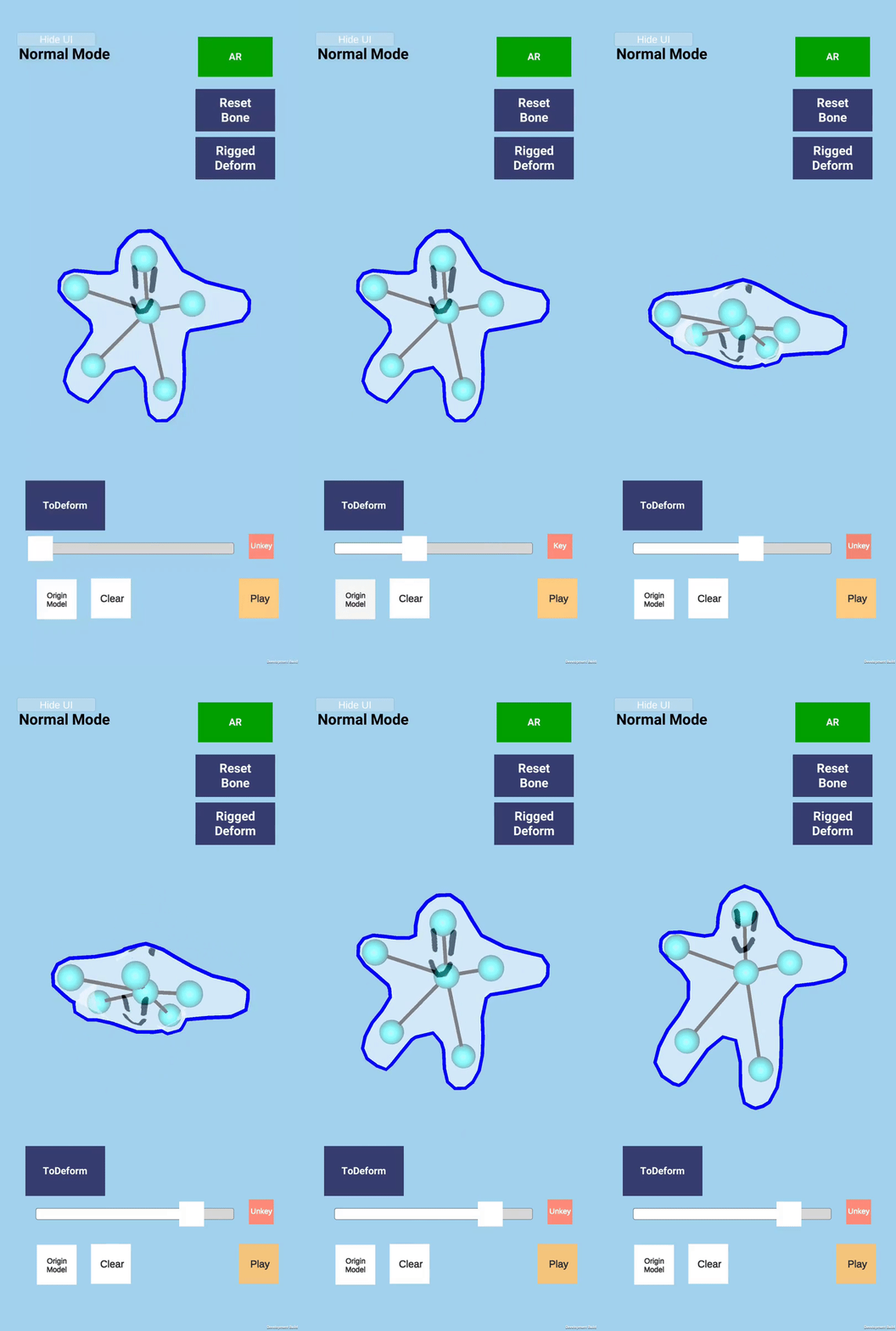
Step 5 — Transformation Animation
Create rotation and scaling keys with the keyframe animation UI.
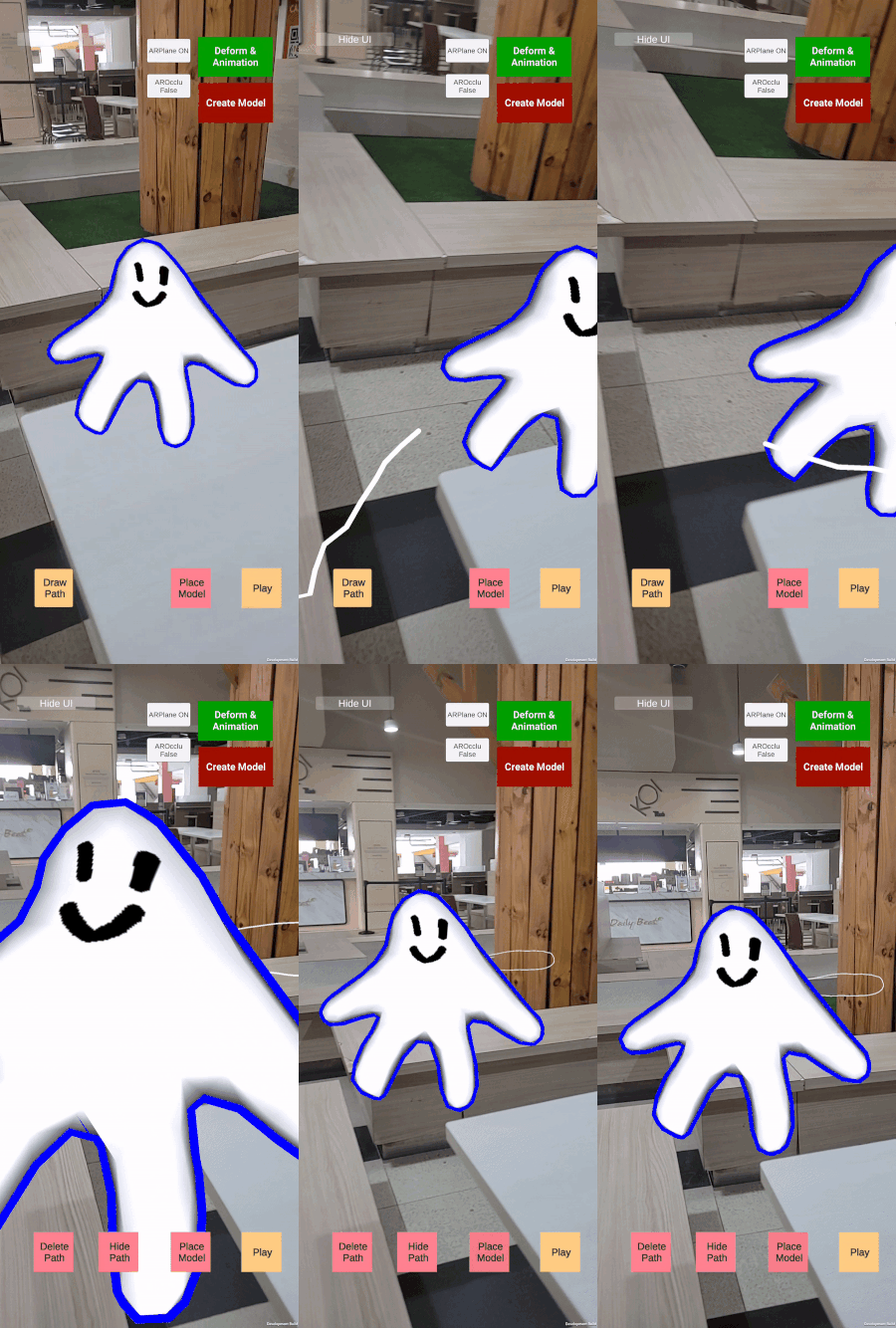
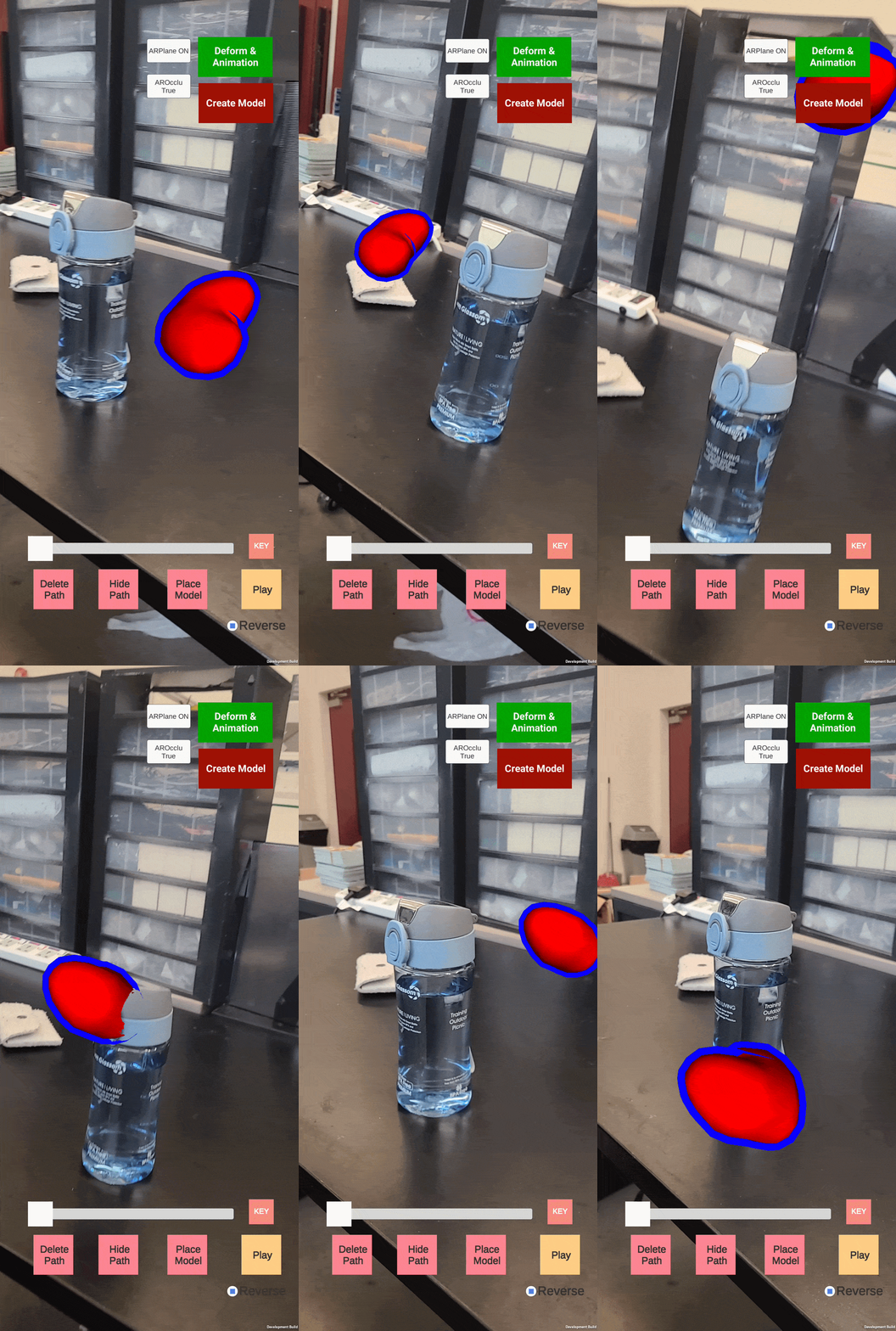
Step 6 — Motion Path Creation
Move the device and reposition the model to create a path in AR space.
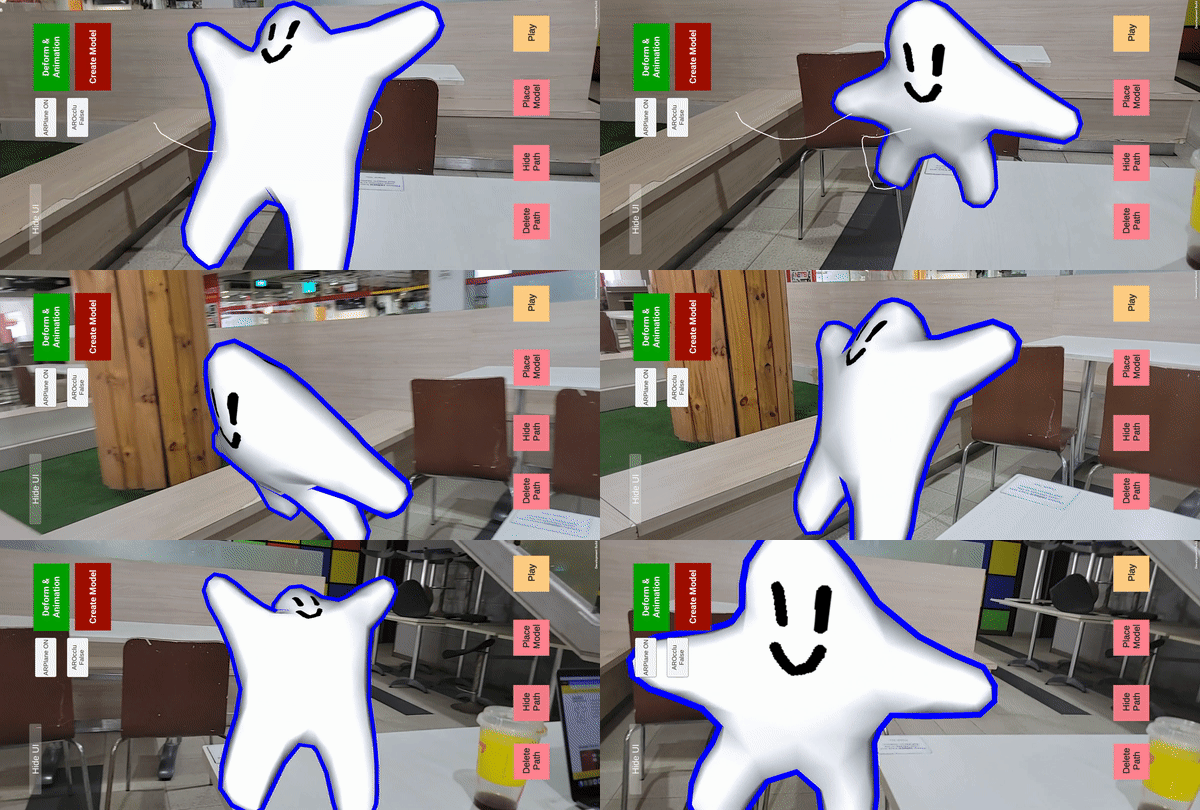
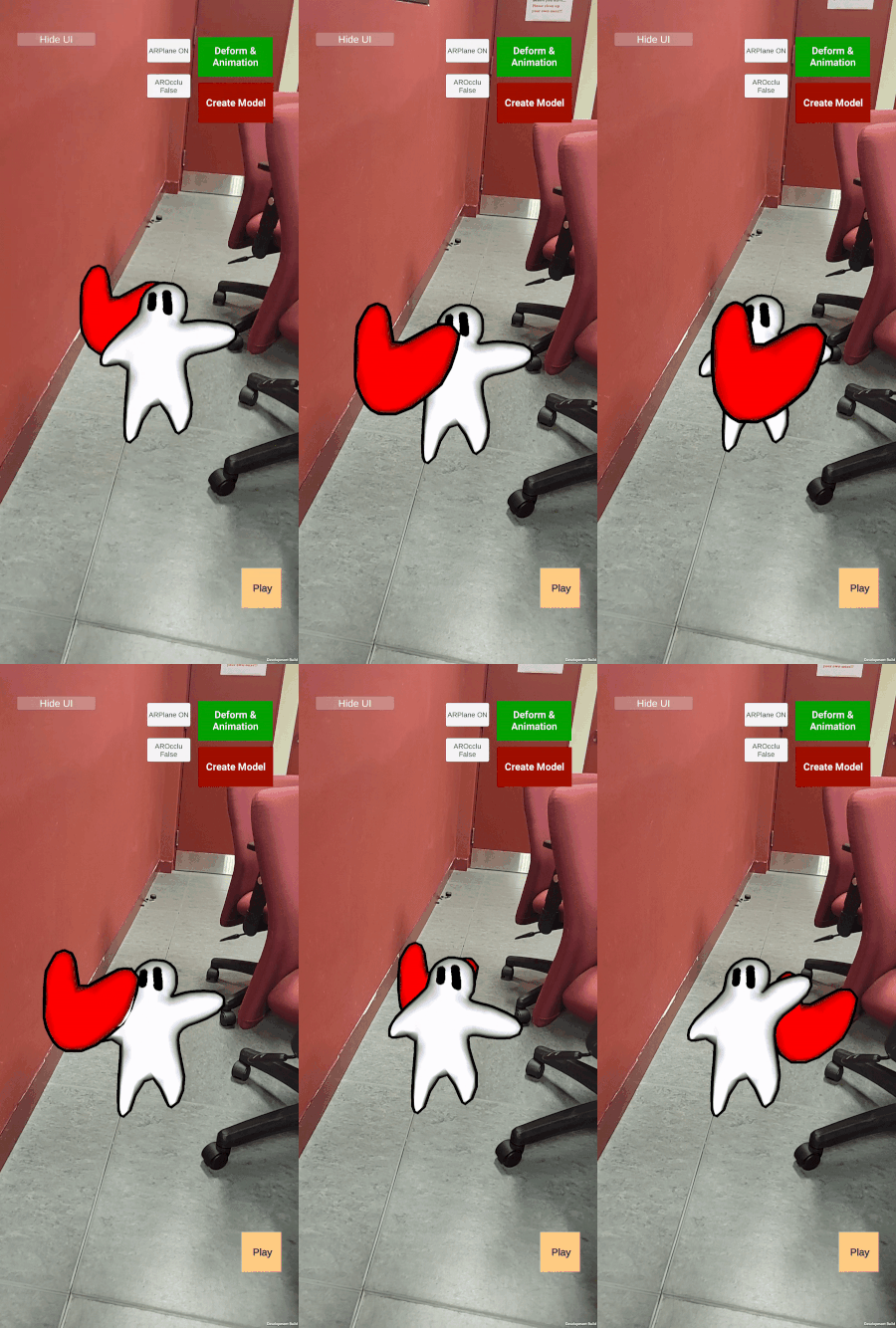
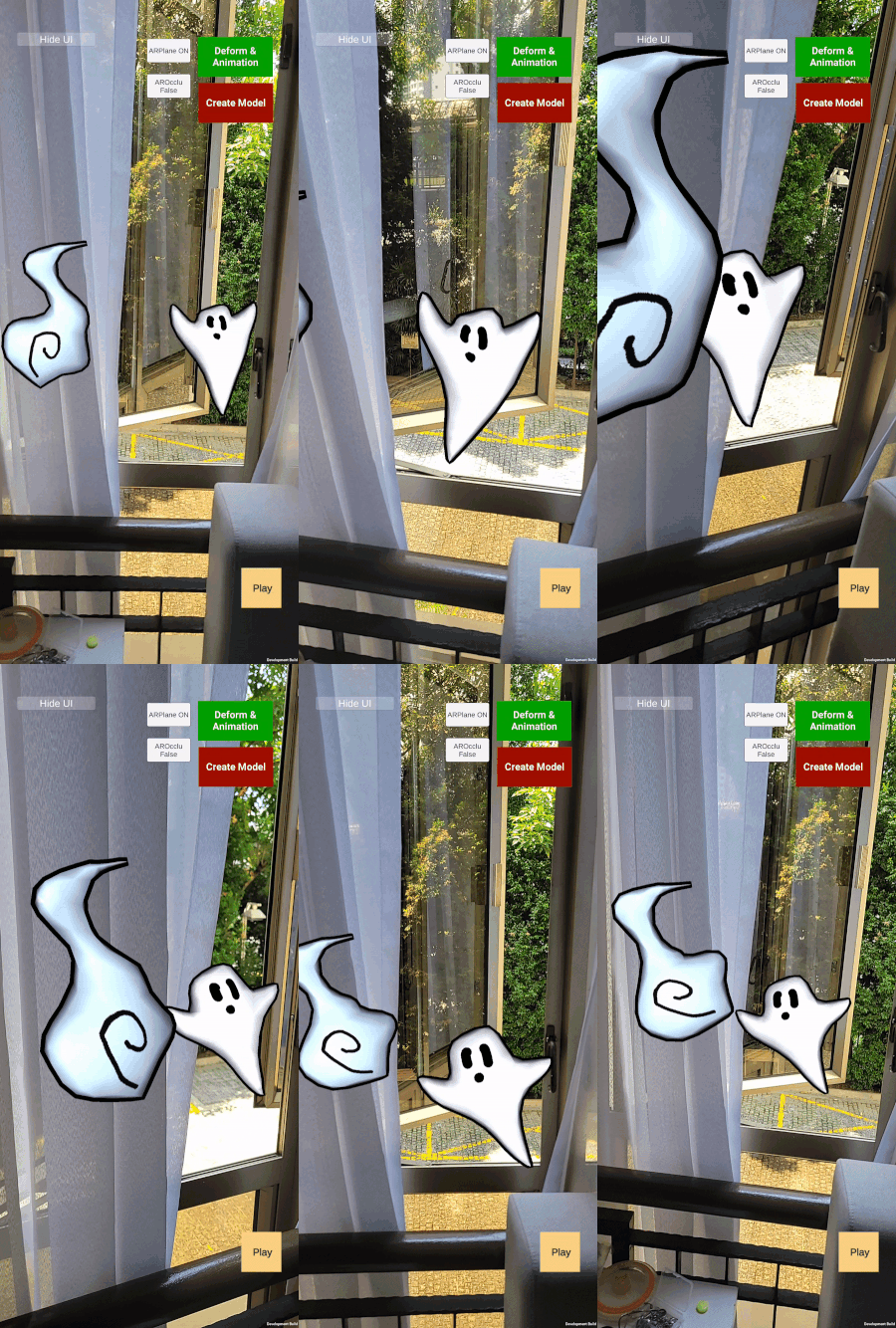
FINAL EFFECT
All previously created animations combine into the final AR animation.
Sample Scenes